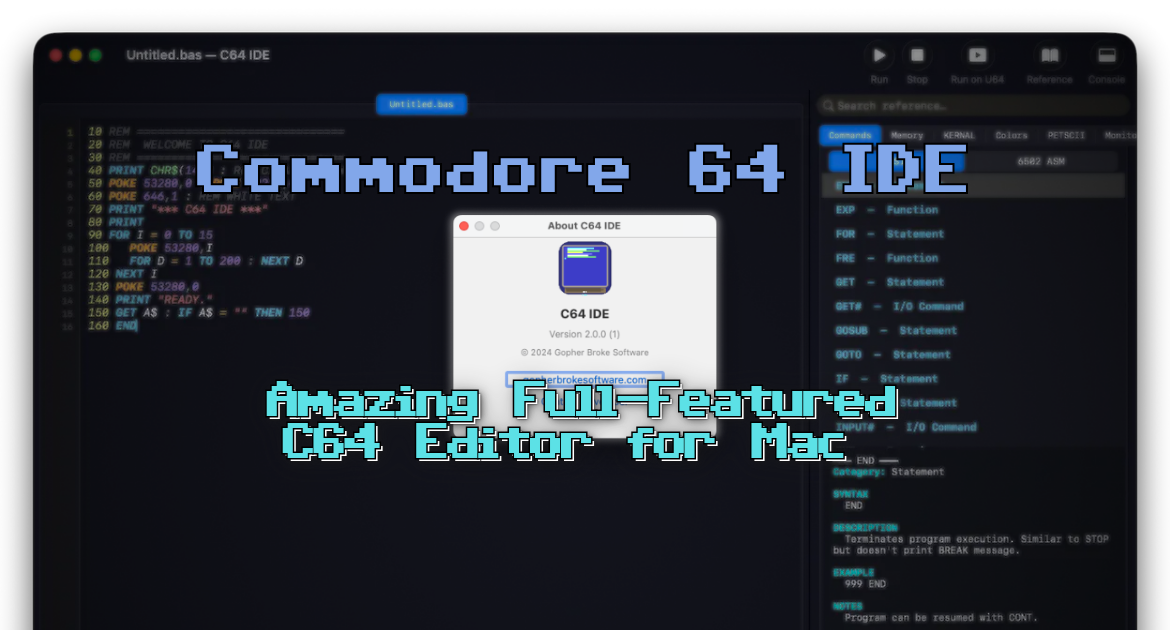

C64IDE is a superb Commodore 64 IDE by Thomas Knox, and the surprising part is that it is Mac-only.
Why is that a surprise? Because Mac owners have long been second-class citizens when it comes to C64 development tools, and I have never quite worked out why. There are workarounds (Docker containers, or Wine/Parallels) but none of them ever feel as comfortable as proper first-class support.
This one is free to download and open source, and it is far more than a text editor that shells out to an emulator. It is a full suite of C64 developer tools. So many, in fact, that I had not looked at every one of them until I sat down to write this up, and I have been poking at the thing for weeks.
On that note, know that I am not coming at this cold or reading from a press release. I have been sending bug reports and testing builds for a good while now, so I have watched the tool grow and today I have a real soft spot for it. Bear that in mind and please forgive me when I gush.
What I actually want from a C64 IDE
My taste is no secret on this site. I want to get from an idea to something running on screen with as little ceremony as possible, in BASIC or 6502 assembly, without a folder full of command-line tools whose flags I can never remember. A good editor, a one-key build-and-run, a debugger I will genuinely use, and enough additional tooling that I am not bouncing between five different apps. On the Mac that has usually meant compromise on at least one of those.
Heck, this was part of my motivation for building my web browser based tools. C64IDE ticks the whole list, and then keeps going way past it.
You can now follow the tutorials and edit the code right in your web browser with the Online Retro IDE
– No downloads, configuration, etc necessary, and it is free!
The editor
The IDE is a universal Mac app, so native on both Apple Silicon and Intel, with light and dark themes (the dark mode is tuned for long sessions, which my old eyes appreciate), daily update checks, and ten levels of undo across every tool.
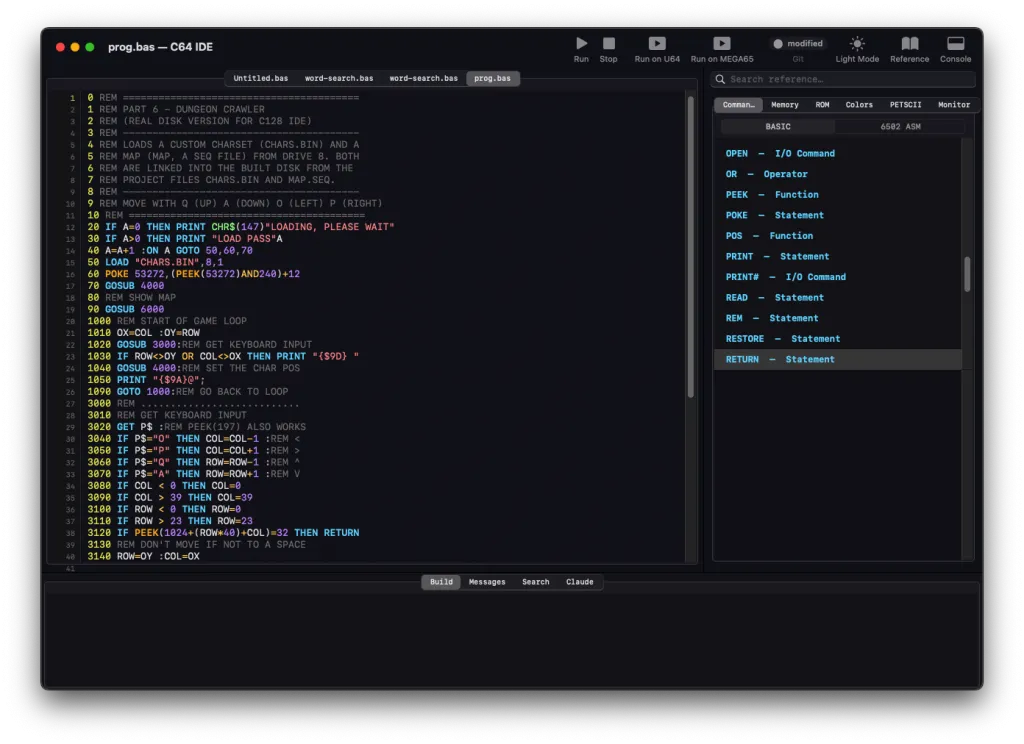
Syntax highlighting is built-in for both Commodore BASIC V2 and 6502 assembly, and it is pretty clever about it, for example token recognition still works even when keywords are not space-separated, which is exactly the mess you find in old squeeze-every-byte type-in listings.
Click a keyword to jump to its reference entry, or hover for an inline tooltip with syntax and examples. There is a built-in reference panel covering Commands, Memory, ROM, Colours, PETSCII, and the VICE monitor, so you are not constantly tabbing out to a wiki.
The practical touches are where it wins me over. You can convert between upper and lower case, renumber lines, it even rewrites the GOTO, GOSUB and THEN targets for you.
Build and debug
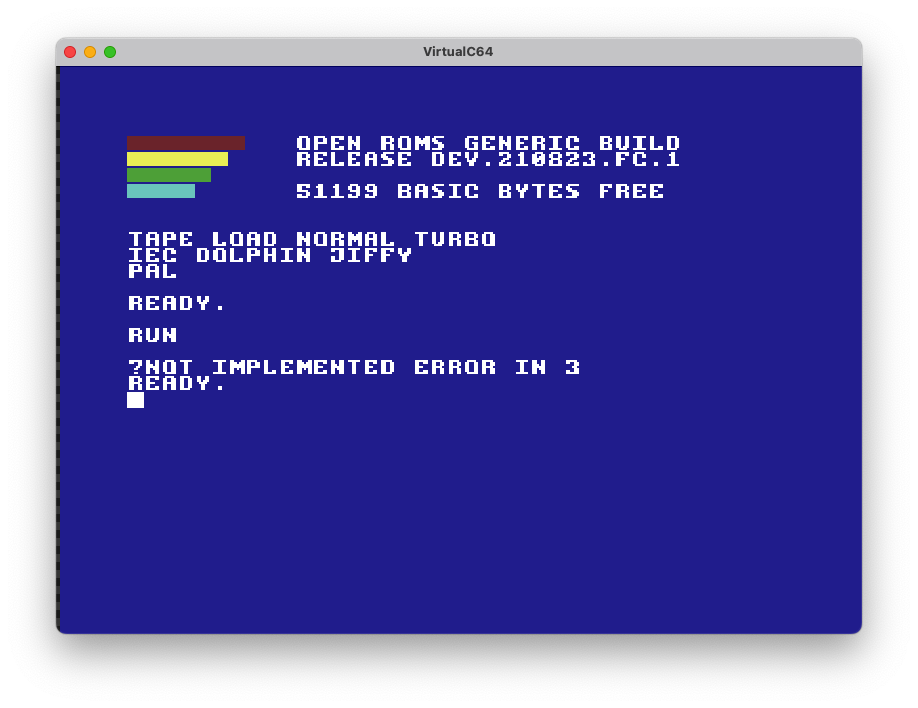
Build-and-run and it tokenises your BASIC, or assembles and links your ASM code (ca65 and ld65 are built in, so no command line), then launches the emulator. Build errors are clickable and drop you on the offending line.
The 6502 disassembler substitutes descriptive names for known addresses, flags illegal opcodes, shows cycle counts, and exports buildable assembly. On top of that sit a PETSCII map, a Character ROM viewer, a number converter, and a memory map viewer and editor.
The debugger will be a big benefit to ASM developers. Register display, breakpoint management from both the editor and the debugger, hex memory dumps, stack inspection, inline disassembly, raw VICE monitor commands if you want them, and per-opcode plus cumulative cycle counts. For anyone squeezing a raster routine you learn to appreciate that.
Running on real hardware
If you have a C64U or Ultimate cart, it can squirt your program straight over your local network, and will also auto-run after a successful build if you ask it to. MEGA65 owners are covered too (all 5 of you, heh), via etherload, for C64 BASIC, BASIC65 or assembly.
Graphics, and the SID editor that caught me out
The art section is valuable in its own right. The sprite editor gives you the 24×21 canvas in single and multicolour, multi-frame animation with onion skinning, and export to SpritePad, BASIC DATA, assembly, a C array or raw hex.
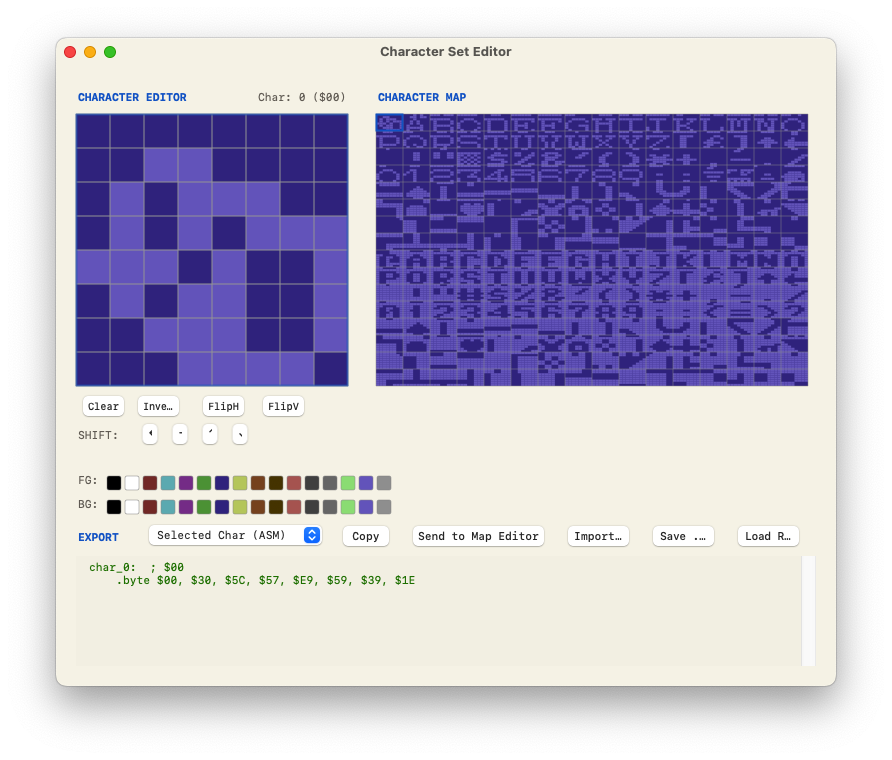
There is a character set editor that handles all 256 characters with a live map, a hi-res editor for the full 320×200 (and 160×200 multicolour) canvas that respects the C64 colour constraints, and a tile-based game map editor doing 40×25 maps with up to 16 layers. An image converter turns ordinary image files into C64 bitmaps with dithering options.
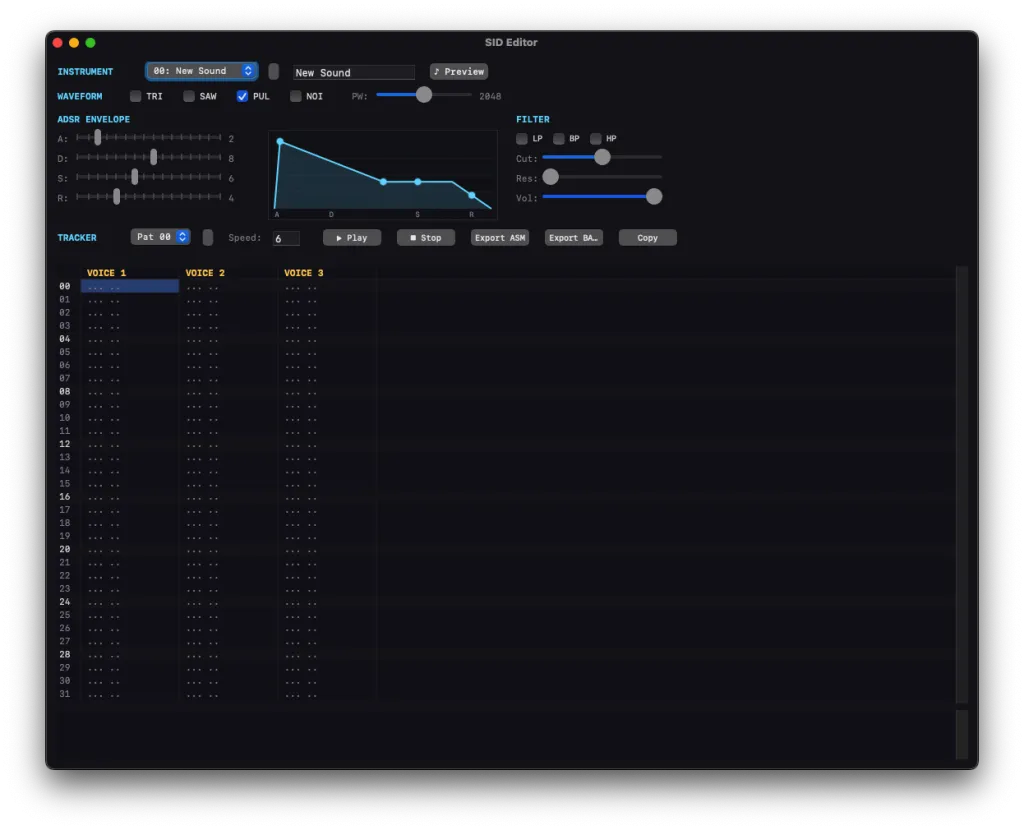
The one that caught me off guard was the SID editor.
A three-voice tracker, built right into a code editor, with per-instrument ADSR, all four waveforms, filter modes, and export to assembly or BASIC DATA. I had assumed it was a SID player or a contextual code editor, but I was wrong, and happily so. I just can’t figure out how to get files into the thing (I let Thomas know and will update the review when I find out).
There is a disk image browser for 1541 (.d64) and 1581 (.d81) images that lets you manage files and edit BASIC or auto-disassembled machine language in place, and a tape browser handling .t64 (read, write and create) and .tap (read-only).
BASIC dialects, and an AI tab
Out of the box you get standard BASIC V2 plus a plugin system, with Simons’ BASIC, C128 BASIC v7, VisionBASIC, Commander X16 and MEGA65 dialects included, plus the option to author your own through a plugin editor.
I’d like to see XC-BASIC3 in there. Perhaps I could contribute it?
There is also a built-in Claude AI tab for retro vibe coders, build-failure analysis, code review, and generating fresh BASIC or assembly that is aware of the C64, C128 and MEGA65 differences.
Verdict
The only real downside is the one I opened with. C64IDE is Mac-only. The very thing that makes it special, that it is built native and first-class for the Mac, is also the aspect that shuts everyone else out.
It’s built in SwiftUI so no quick re-compile ports either. If you are on Windows or Linux this is not for you, and there is no polite way to dress that up. You are back to CBM prg Studio, the cross-platform options, or a VM.
While it is not exactly bug-free right now, I know the bugs I find are squished and new features are rapidly developed. You can’t ask for more of a free (as in beer AND as in open) tool coded by one volunteer.
If you write C64 code on a Mac, download it today
If you write C64 code on a Mac, download it today. It is free, it is open source, and it is the most complete C64-focused development experience I have had on a mac or any computer, by a fair distance. It covers code, build, debug, graphics, sound, disk and tape work, multiple BASIC dialects and deploying to real hardware, without ever sending me to a terminal. I have been living in it for weeks and it keeps turning up features I did not know were there.
Grab it from gopherbrokesoftware.com, and if you find a bug, do what I have been doing and please tell Thomas, the developer. The thing will only get better for it and I am sure he will appreciate knowing people are getting value out of his hard work.
Original article by retrogamecoders.com